



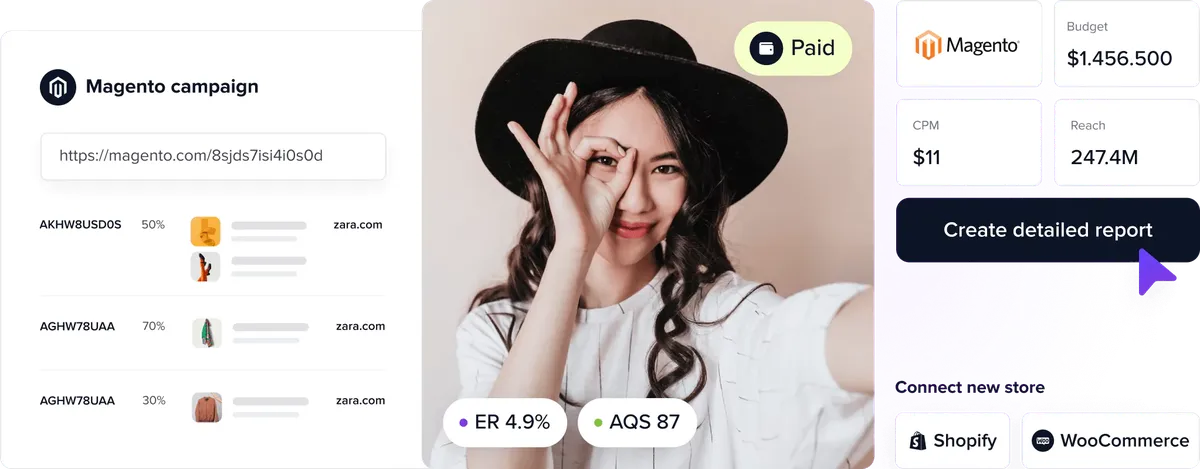
Connect Influencer Campaigns to Your Magento Sales Data
Magento stores often run several store views, large catalogs and their own cart price rules. HypeAuditor keeps influencer attribution simple: each creator gets a personal promo code, and orders placed with it are credited to that creator, with sales and revenue shown in the campaign currency.
Get started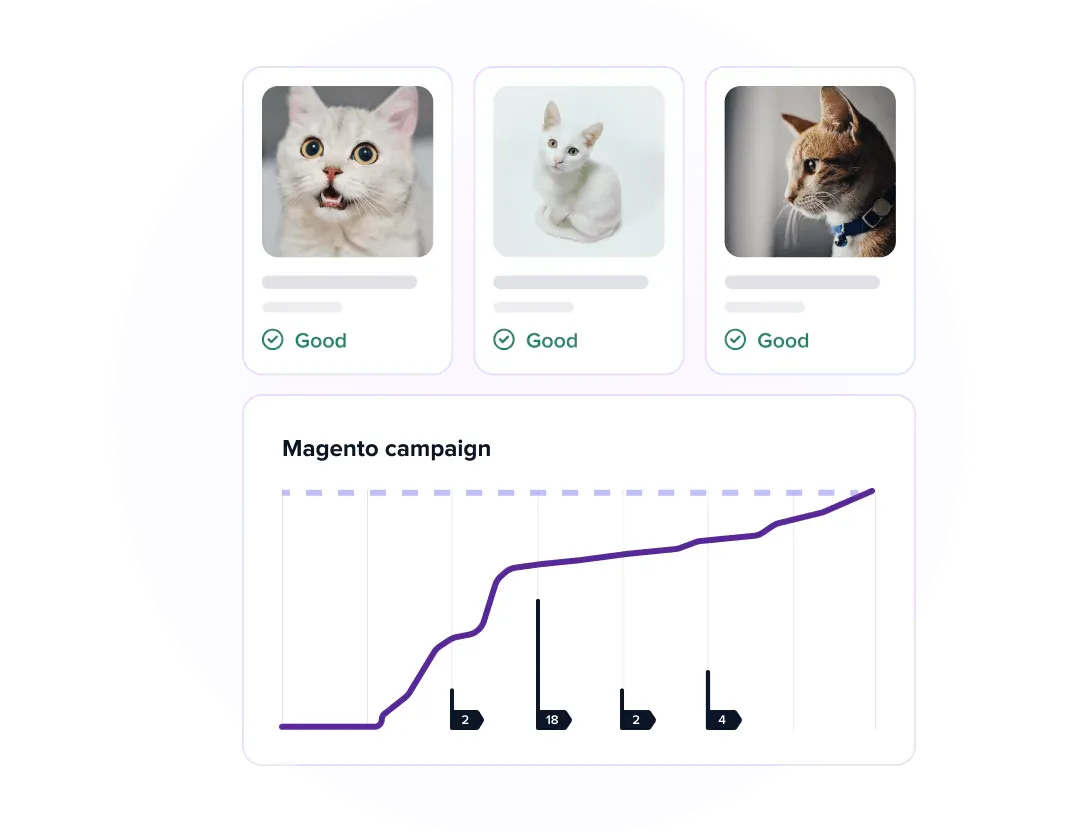
Shortlist creators for your catalog

Run gifting and paid campaigns in one place
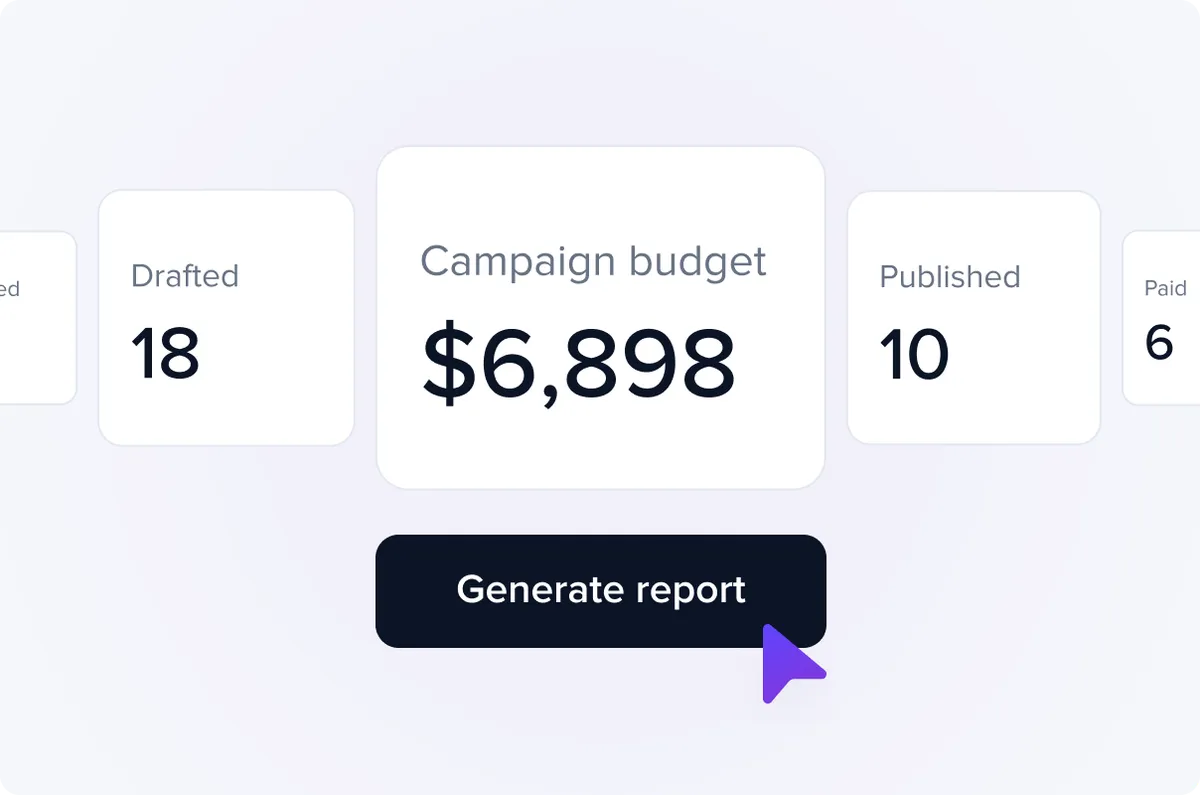
Attribute promo-code orders to each creator
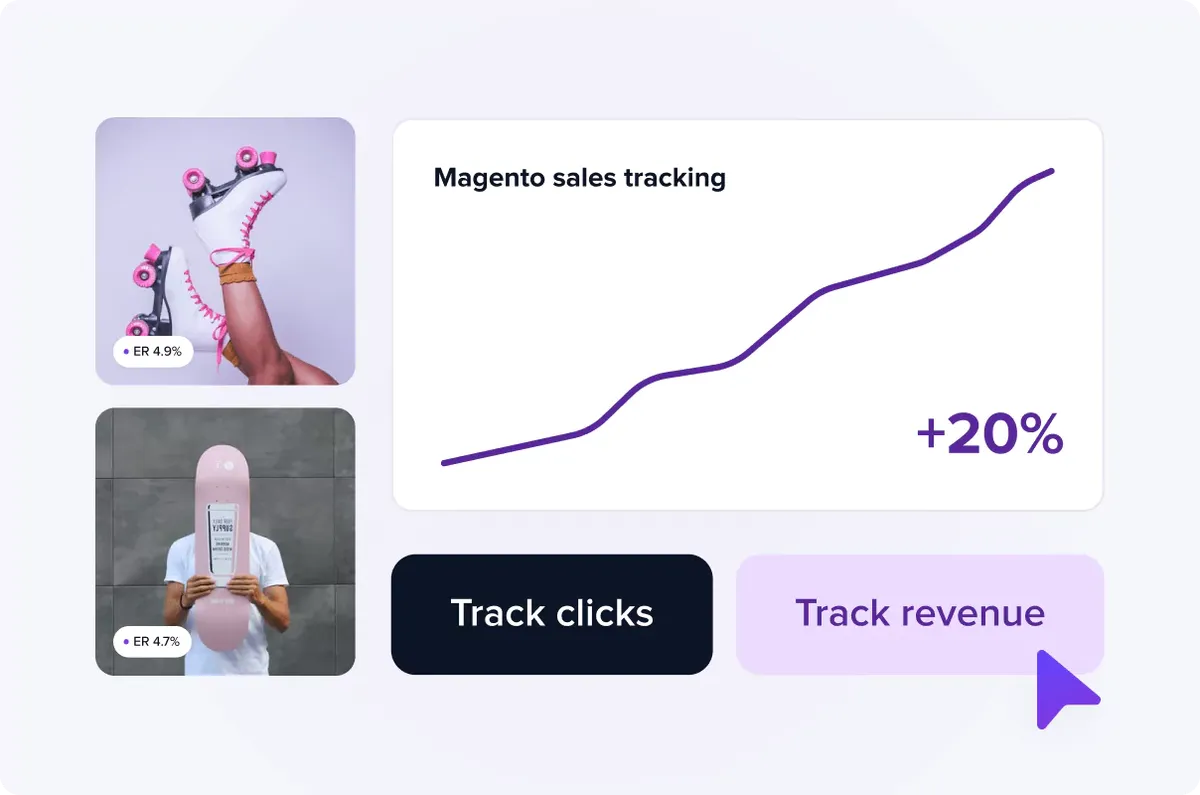
Report sales results to the whole team

Step 1
In the Magento admin, open System → Integrations (System → Extensions → Integrations in Magento 2.4) and add a new integration for HypeAuditor
Step 2
Follow the setup tutorial in HypeAuditor, activate the integration and click Confirm setup
Step 3
Add a personal promo code for each creator in your campaign
Magento Integration FAQ
How does the HypeAuditor Magento integration work?
HypeAuditor’s Magento integration connects your store to Campaign Management through an integration created in the Magento admin. After that, each creator in a campaign gets a personal promo code, and orders placed with it are attributed to that creator.
The campaign report shows sales and revenue for each creator and for the campaign as a whole.
How do I connect Magento to HypeAuditor?
In the Magento admin go to System → Integrations (System → Extensions → Integrations in Magento 2.4) and click Add New Integration, then follow the step-by-step tutorial shown in HypeAuditor Campaign Management. When the integration is active, click Confirm setup in HypeAuditor.
You can start the setup from Settings → E-commerce or while creating a campaign.
Can I track influencer sales in Magento without an affiliate extension?
Yes, for promo-code sales. Magento affiliate extensions are built for commission programs with many partners. HypeAuditor attributes orders to influencers by their personal promo codes and combines this with creator discovery, audience checks, outreach and campaign reporting.
Which campaigns use the Magento integration?
The integration is used in product gifting and paid promotion with gifting campaigns, where creators receive your products and promote them with a personal code.
For stores on Shopify or WooCommerce, HypeAuditor offers dedicated integrations as well: see the Shopify integration and the WooCommerce integration.
What does the Magento campaign report show?
The campaign report shows promo-code sales and revenue for each creator, total spend, cost per engagement (CPE), cost per mille (CPM) and earned media value (EMV), next to content metrics such as views and engagement. Revenue is shown in the currency you set for the campaign.